 Lorraine Williamson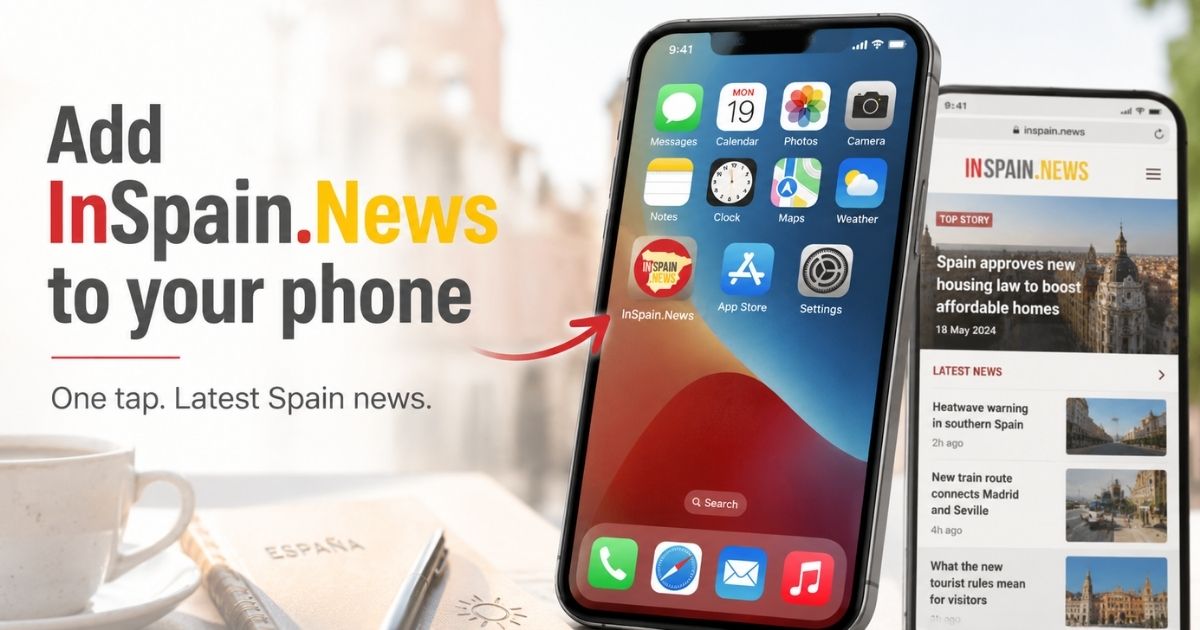
Want InSpain.news on your phone home screen, ready to open with one tap? There is a simple way to make the website feel almost like an app, without downloading anything from an app store.
By adding an InSpain.news phone shortcut to your mobile home screen, you can open the latest news all about Spain in English directly from your phone. The InSpain.news logo will appear alongside your other apps, giving you quick access whenever you need it.
InSpain.news does not currently have a dedicated app, but this shortcut gives regular readers a quick, free, and easy alternative.
Why add InSpain.news to your phone?
Many readers follow InSpain.news through Facebook, Instagram, Messenger, or search. But social media does not always show every update.
A phone shortcut gives you direct access.
That means you do not have to search for the website each time, scroll through posts, or wait for an article to appear in your feed. You simply tap the icon and go straight to InSpain.news.
It is not the same as downloading an app. Nothing extra needs to be installed.
Instead, your phone creates a shortcut to the website. Google’s Chrome guidance confirms Android users can create website shortcuts from the browser menu, while Apple says iPhone users can add website icons to the Home Screen through Safari.
How to add InSpain.news on an Android phone
If you use Google Chrome on an Android phone, open Chrome and type InSpain.news into the search bar or address bar.
When the website opens, tap the three dots in the top-right corner of the screen.
Choose Add to Home screen.
Your phone may ask you to confirm the name of the shortcut. You can leave it as InSpain.news, or shorten it if you prefer.
Then tap Add.
The InSpain.news icon should now appear on your phone’s home screen. When you tap it, the website will open directly.
How to add InSpain.News on an iPhone
On an iPhone, open Safari and go to InSpain.news.
Tap the Share button. This usually appears as a square with an arrow pointing upwards.
Scroll down and tap Add to Home Screen.
You can then confirm the name and tap Add.
The InSpain.news icon will appear on your iPhone home screen, ready to use.
Apple also notes that, if you do not see Add to Home Screen, you may need to scroll further down the list or edit the available actions.
What happens when you tap the icon?
Once the shortcut has been added, it behaves much like an app icon.
Tap it, and your phone will open InSpain.news. From there, you can read the latest news all about Spain in English, travel updates, lifestyle features, weather alerts, practical explainers, and breaking stories.
It is especially useful for readers who live in Spain, visit regularly, own a second home, or want English-language updates without having to search each time.
Spain news, one tap away
The shortcut does not replace social media, Messenger, or newsletters. But it does give readers another easy way to stay connected.
For regular readers, it may be the quickest route into the website.
Add InSpain.news to your home screen once, and the latest news from Spain is only ever one tap away.